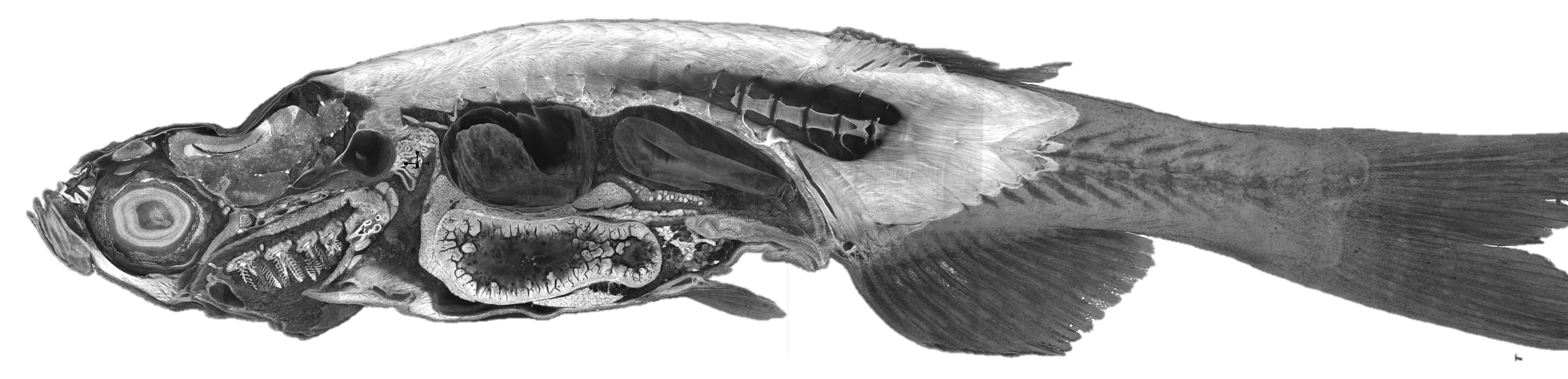
How to slice in any direction:
open the Slice view, then hold Shift and drag in any
cross-section panel to rotate the slicing plane freely — or use
Shift+drag in the 3D panel to re-orient all planes at once.
In the 3D volume view, adjust opacity3d,
alphaGamma, and the contrast sliders in the rendering tab
(press Ctrl+L or click the layer name) to peel tissue away.
Toggle the annotation layer's visibility checkbox to show labeled anatomy.